You can try Standard separation without an account. Cloud saving and some generation or paid features require login.
BPM Detector
Auto-detect tempo and key of any song
1Analyze a track
2Find BPM and key
3Prepare DJ sets
Estimate BPM and key from audio, including your own recordings.
One result may not describe tempo or key changes. Even percussion-only audio can produce a key label.
Standard separation, noise removal, and BPM analysis run in your browser. HQ separation, music/loop generation, reference mastering, OCR, and cloud saving send inputs or audio to servers according to the feature you choose.
Standard separation, noise removal, and BPM analysis are free. Autotune and some other tools have free-use limits; HQ and generation features have plan or credit conditions. Check the price shown before running and the pricing page.
Desktop Chrome or Edge is recommended. Features depend on GPU, memory, and browser. Test a short file first, including on mobile devices.
Detailed steps and result checks →
This synthetic 16-second clip places a click every 0.5 seconds: 60 ÷ 0.5 = 120 BPM. Use it to check how the beat relates to the displayed number before loading your own music.
120 BPM click
120 BPM click — WAV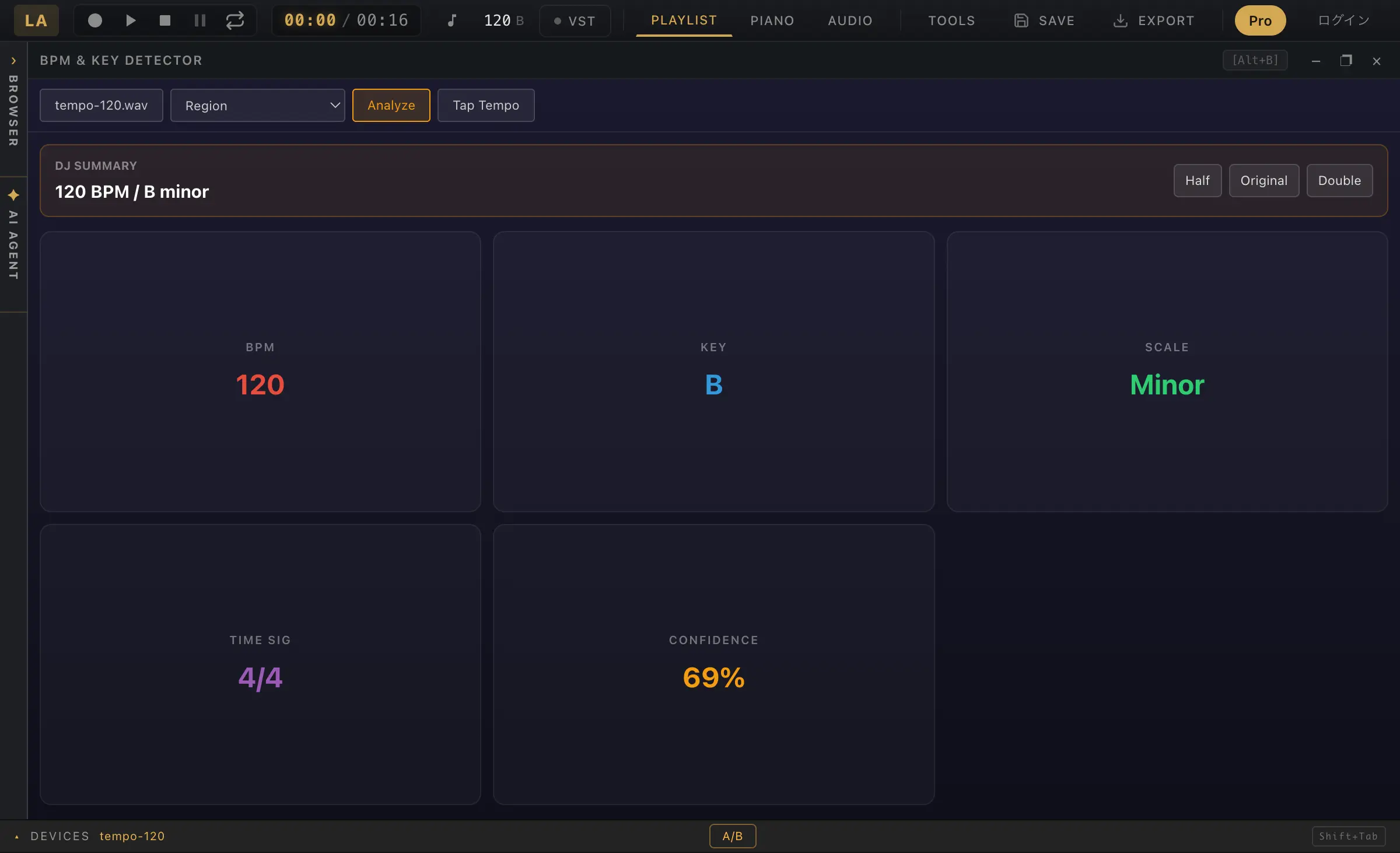
Counting every other beat or subdivisions produces half- or double-time candidates. Thirty beats in 15 seconds gives 30 × 4 = 120 BPM. Check the later part of the song too; increasing drift can indicate a tempo change or a counting mismatch.
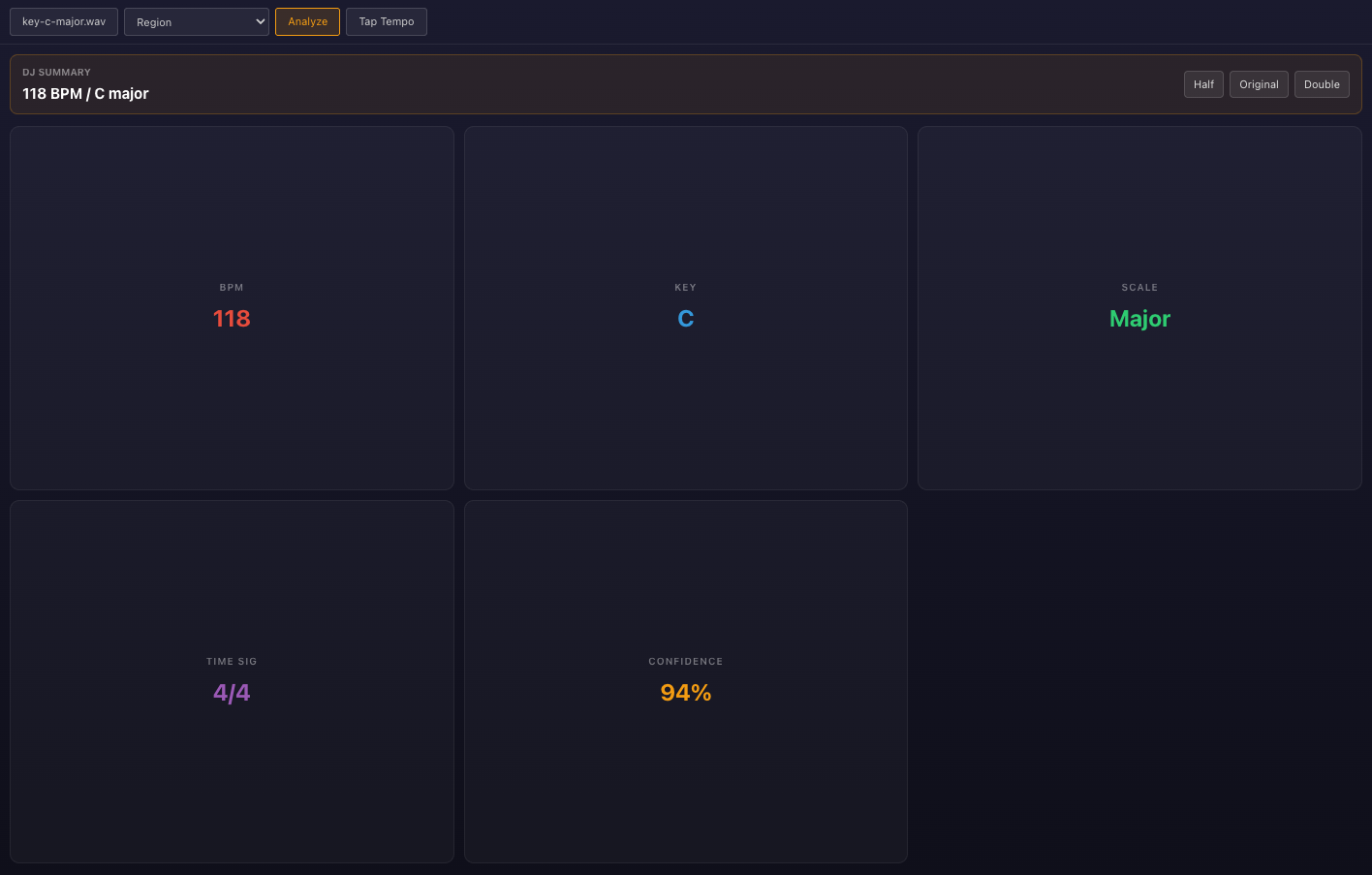
These synthetic 16-second clips repeat C–F–G–C and Am–Dm–E–Am twice. Notes start every 0.5 seconds (120 BPM). The table records actual BPM & Key panel results.
C-major chord progression
C-major chord progression — WAVA-minor chord progression
A-minor chord progression — WAV| Input | Detected key | Detected BPM |
|---|---|---|
| C–F–G–C | C Major | 118 |
| Am–Dm–E–Am | A Minor | 119 |
Both key labels matched the intended tonal centers, while tempo estimates differed from 120. Check against the beat instead of relying on the number alone. The E chord in the minor example includes G-sharp. A set of notes alone does not establish the tonal center.
Key changes, very short clips, and drum-led passages may not fit one key label. Also try a passage where the melody and harmony are audible.
Created September 7, 2026. These limited teaching examples are not accuracy or sound-quality benchmarks for all inputs.
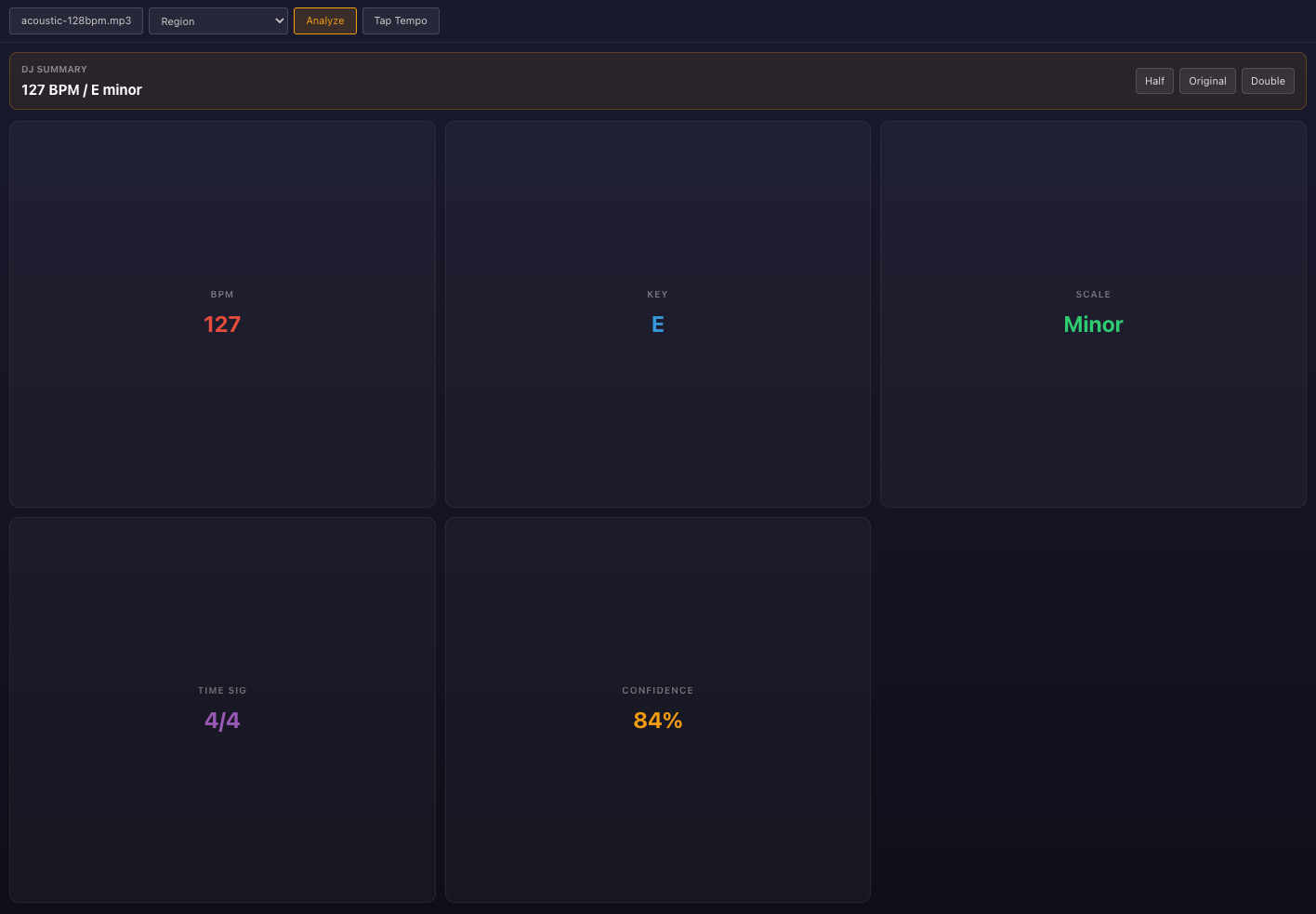
We analyzed two recordings whose performers describe the tempo and harmony. One result agreed with that description; the other returned a different key.
G–C–D fingerpicking (38.75 seconds)
G–C–D fingerpicking (38.75 seconds) — MP3128 BPM acoustic loop (15 seconds)
128 BPM acoustic loop (15 seconds) — MP3| Recording | Performer’s description | Actual result |
|---|---|---|
| G–C–D | 96 BPM · G / C / D major | 96 BPM · G Major |
| Acoustic loop | 128 BPM · E major / C♯ minor | 127 BPM · E Minor |
G, C, and D are the primary chords of G major. In the second example, E minor differs from the performer’s E major / C-sharp minor description. The displayed 84% confidence is not an 84% probability that the key is correct.
Sources: ValentinSosnitskiy — G–C–D · deadrobotmusic — acoustic guitar · CC0. Guitar sources are public MP3 previews. Captured in Chrome on September 11, 2026; these examples do not establish accuracy on all music. Source and input preparation details