A DAW that runs in your browser
A Pro Studio,
In Your Browser.
Recording, mixing, mastering — all in your browser. No install. Core tools are free to use.
- Standard audio stays local
- Install-free
- WebGPU
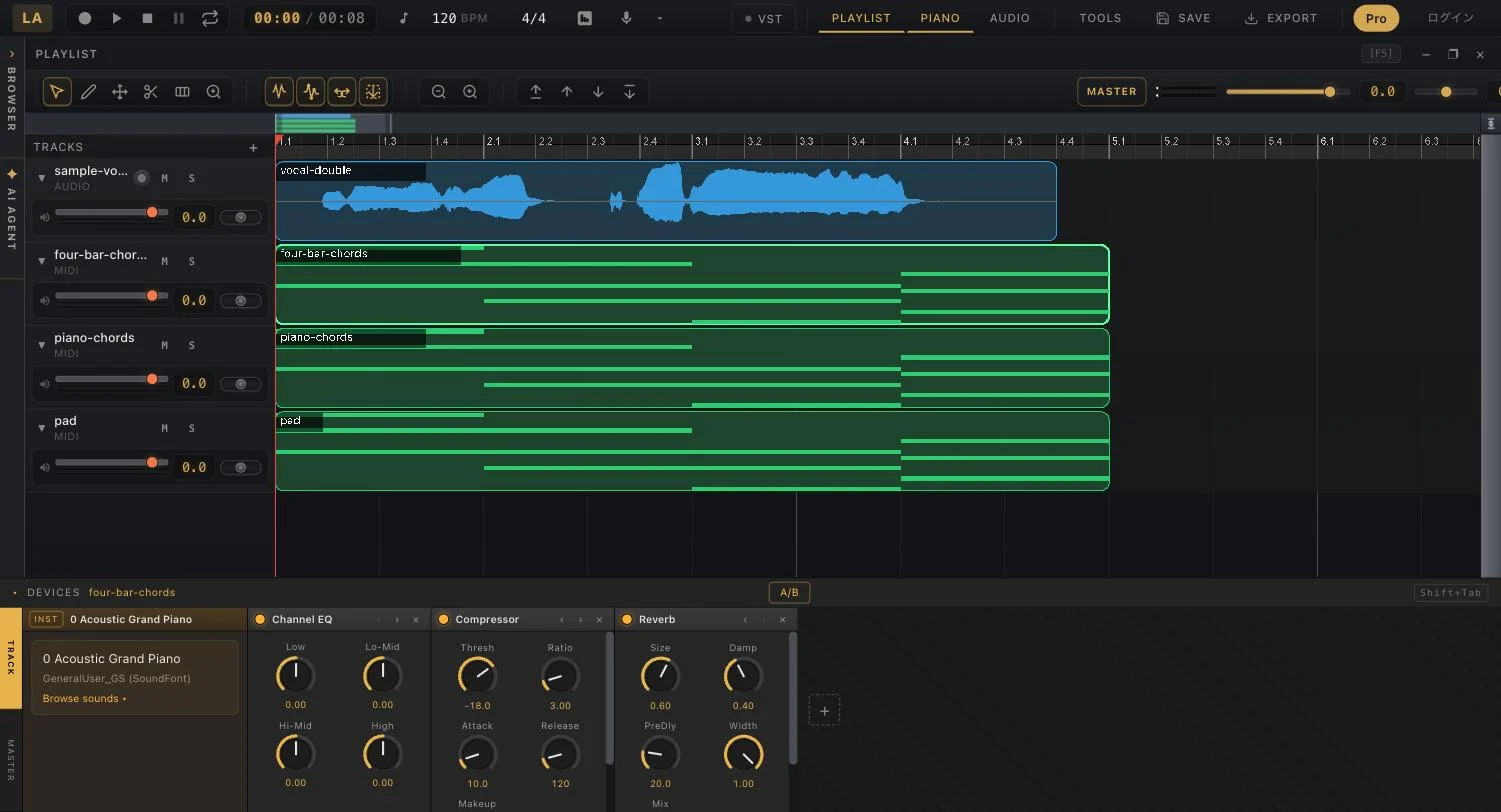
Arrange. Mix. Export.
Audio and MIDI on one timeline. Cut, fade, quantize, and bounce the mix — nothing to install, nothing to configure.
Open the DAW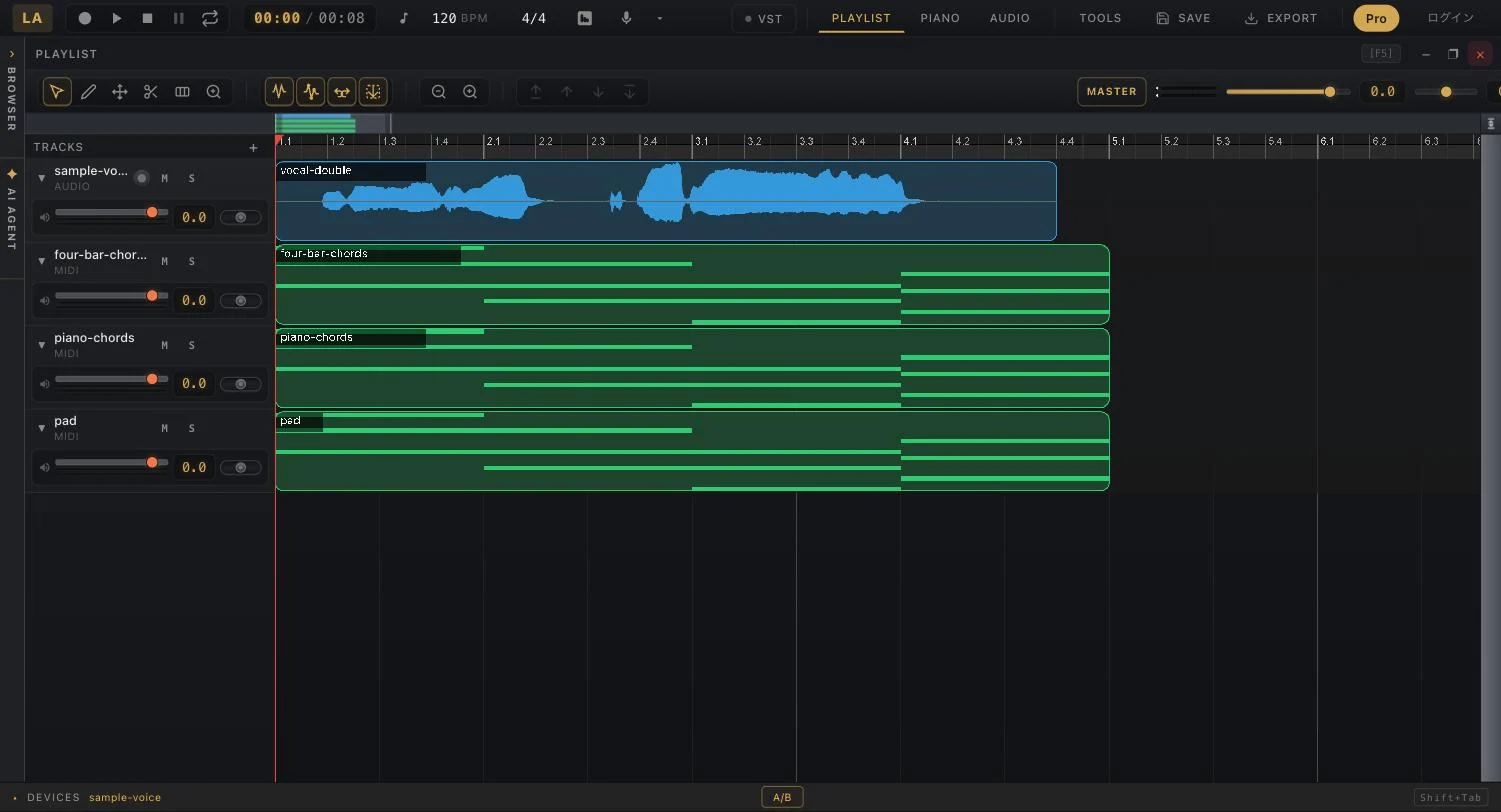
Instruments and effects, built in.
A piano roll with a GM sound bank, plus a device rack of EQ, compressor, reverb, and limiter. AI mastering is one click.
About the DAW editor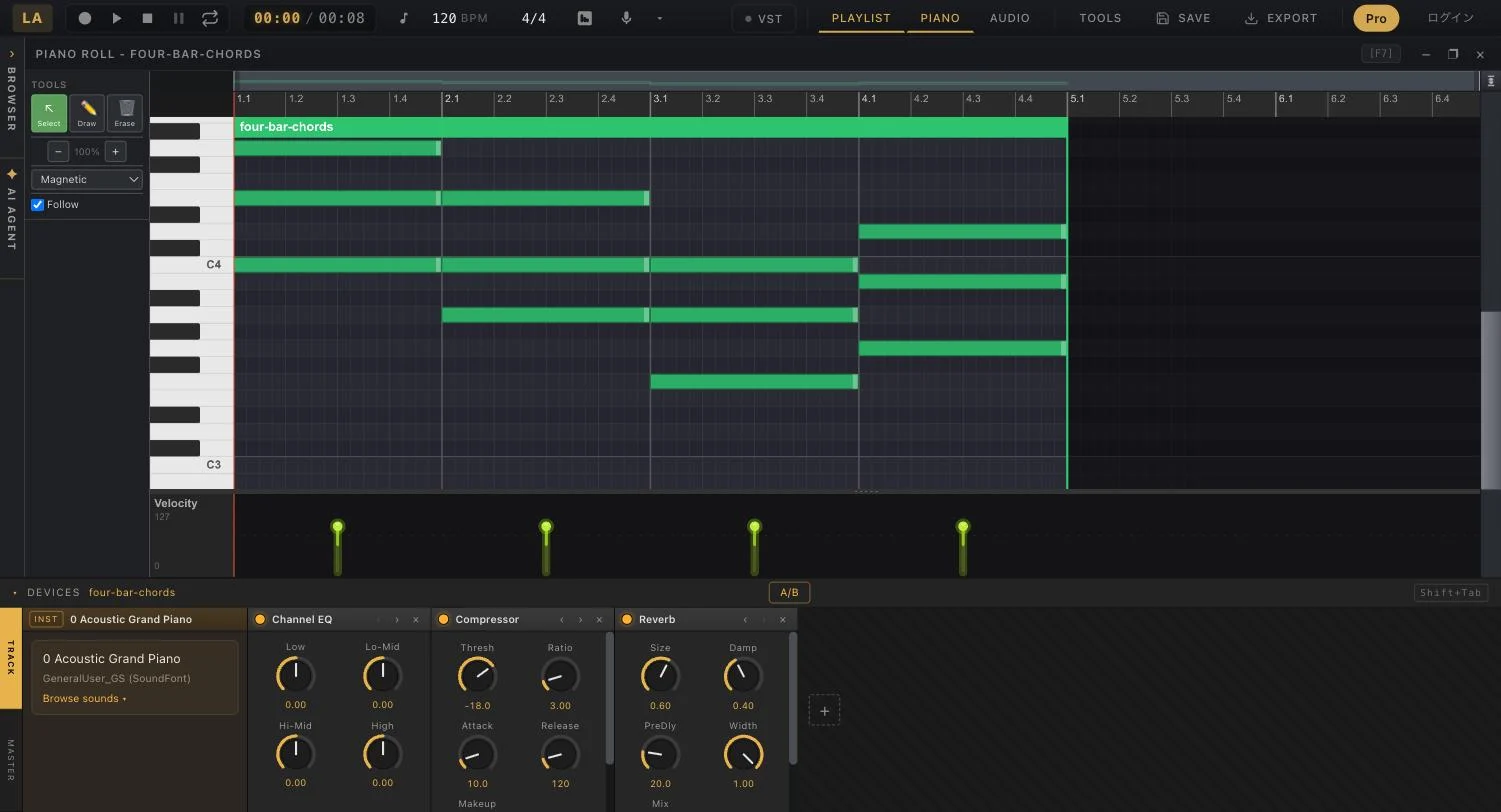
Pitch editing, note by note.
AI draws every sung note as an editable blob. Drag it into tune, audition instantly, and download the WAV.
Try Autotune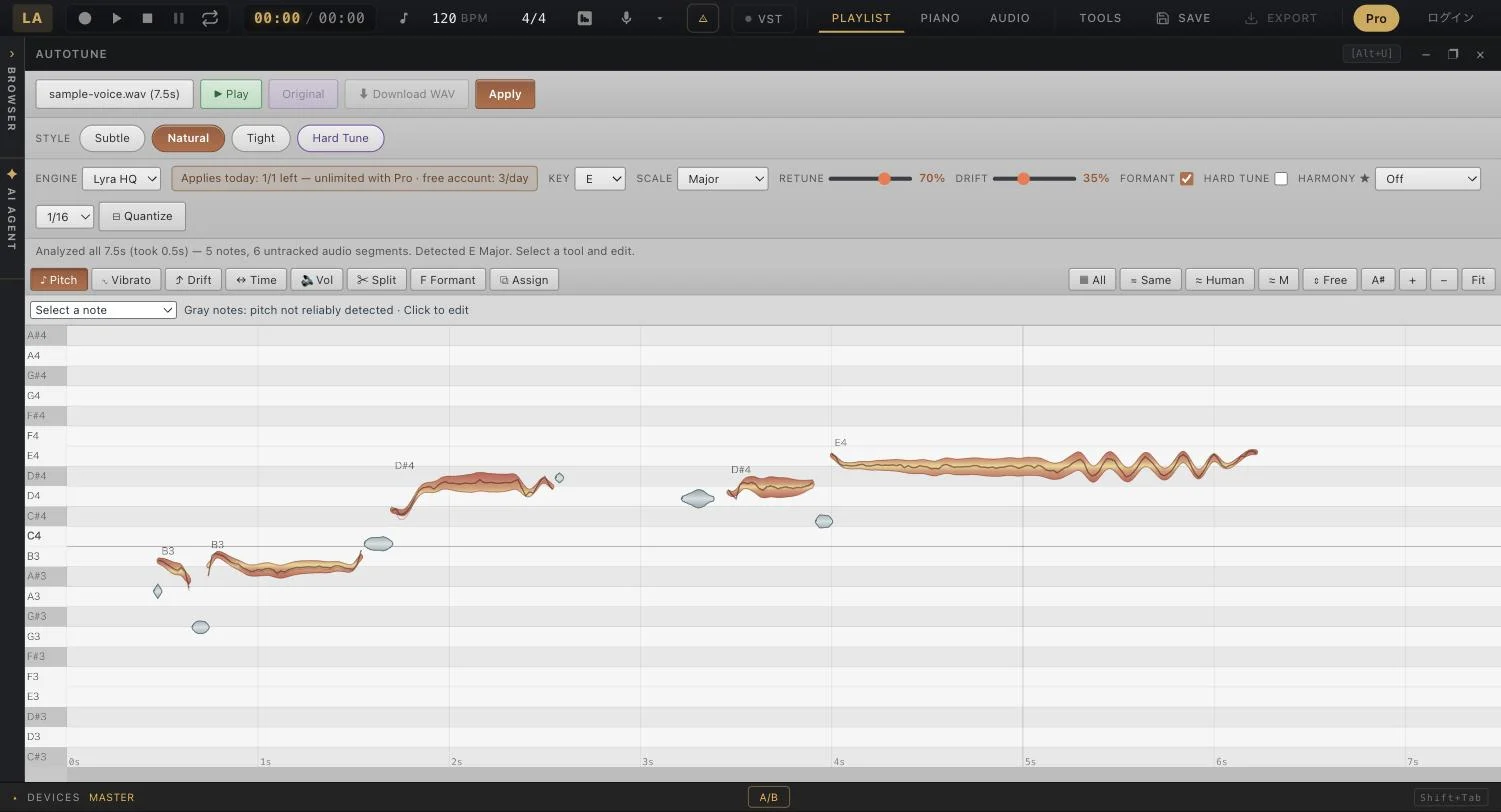
Everything an AI studio should do.
From vocal removal to amp simulation. Most of it runs on your GPU, inside the browser tab.
How It Works
- 01
Drop Your File
MP3, WAV, FLAC — just drag into the browser
- 02
Process and check the result
Standard runs locally. First use requires model loading
- 03
Done. Ready to Use
Download, or edit right away in the editor
Standard audio stays local
Standard separation, noise removal, and BPM analysis run in your browser. HQ separation, music/loop generation, reference mastering, OCR, and cloud saving send inputs or audio to servers according to the feature you choose.
Why can core tools stay free?
Standard separation, noise removal, and BPM analysis are free. Autotune and some other tools have free-use limits; HQ and generation features have plan or credit conditions. Check the price shown before running and the pricing page.
You can try Standard separation without an account. Cloud saving and some generation or paid features require login.
A Studio for Everyone
Bedroom Producers
Extract stems for covers, create remixes, mix home recordings
Podcasters
Remove noise from recordings, multi-track editing, level adjustment
DJs & Remixers
Detect BPM & key, extract acapella, create instrumentals
Video Creators
Remove vocals from BGM, clean up narration audio
Music Learners
Isolate instrument parts for practice, analyze song structure
Frequently Asked Questions
Is it free to start?
Standard separation, noise removal, and BPM analysis are free. Autotune and some other tools have free-use limits; HQ and generation features have plan or credit conditions. Check the price shown before running and the pricing page.
Are my audio files sent to a server?
Standard separation, noise removal, and BPM analysis run in your browser. HQ separation, music/loop generation, reference mastering, OCR, and cloud saving send inputs or audio to servers according to the feature you choose.
Which browsers are supported?
Desktop Chrome or Edge is recommended. Features depend on GPU, memory, and browser. Test a short file first, including on mobile devices.
What audio formats are supported?
MP3, WAV, FLAC, M4A, OGG and other major audio formats are supported.
Do I need to create an account?
You can try Standard separation without an account. Cloud saving and some generation or paid features require login.
Start making music.
No sign-up. Open a tab and you are in the studio.
Enter the Studio — Free